jsmock2442
New member
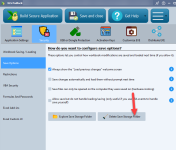
I can’t seem to get the option to save the DAT, license, and save files to the same folder as the EXE to work when I build a “universal” (combined 32 and 64 bit executable). I’m referring to menu option Application Settings | Configure Advanced Options | Store .DAT, license and save files in the same folder as the EXE file. Whether this option is checked or not when I build my application the only files I ever see in the runtime folder are the compiled EXE file and the .eula file after the user accepts the license. If I specifically select 64 bit executable build then it does work but that’s a problem since the combined exe is so much easier to distribute. Thanks